<img height="1" width="1" style="display:none;" alt="" src="https://ct.pinterest.com/v3/?event=init&amp;tid=2619551547515&amp;pd[em]=<hashed_email_address>&amp;noscript=1">
Loading, please wait...
EARN FREE PD CREDIT

Learn how to create personalized K–12 lessons that your students will love.

Amplify Classroom is a free teaching platform where educators can teach, create, and customize K–12 lessons.

With our new lesson-building toolkit, enjoy step-by-step tutorials as you learn how to build activities alongside us, and earn PD hours at your own pace.

How does it work?

Step 1. Choose your track: beginner, intermediate, or both.

Step 2. Complete step-by-step tutorials at your own pace and build an activity alongside us! 

Step 3. Submit your activity by Feb. 28 to earn professional learning hours.

Select your activity building journey:

Earn two hours of PD. Learn how to customize our premade activities with easy-to-use templates and build an activity from scratch with drag-and-drop components.

Earn four hours of PD. Create activities that are truly responsive. Build activities that give personalized feedback and adapt to student answers. No coding experience required.

Earn six hours of PD. Go from beginner to pro in 12 simple steps by completing both beginner and intermediate tracks. 

Beginner track

Learn how to make your own copy of our lessons and drag in engaging components like multiple-choice questions, media, and virtual manipulatives.

Video length: 3–6 minutes each

💡  Tip: Don't forget to pause the video before moving on! Videos will continue playing when you navigate between pages unless you pause them first.
AC_LessonBuildingToolkit_LP_122225_Beginner_RC-1
Step 1

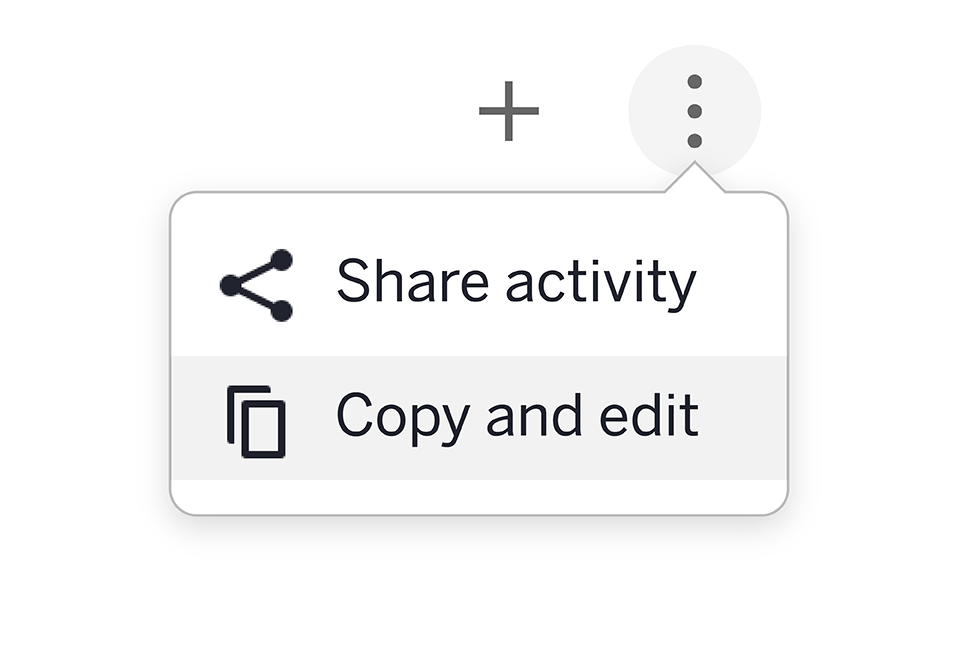
Make a personalized copy of an activity and add in premade templates.

AC_LessonBuildingToolkit_LP_122225_Beginner_RC-2
Step 2

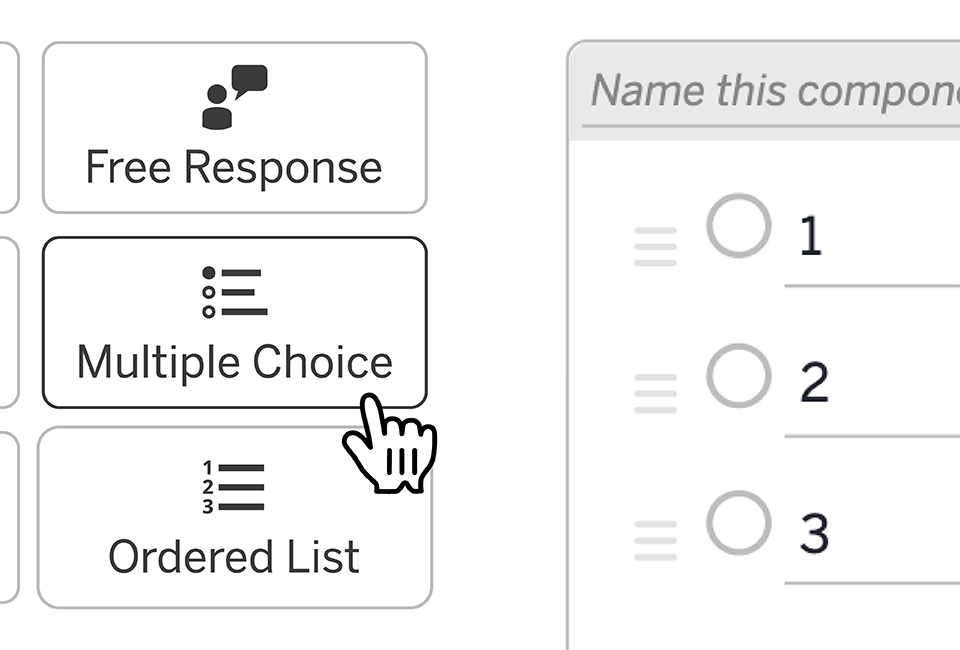
Add a multiple-choice question, media, and a personalized note.

AC_LessonBuildingToolkit_LP_122225_Beginner_RC-3
Step 3

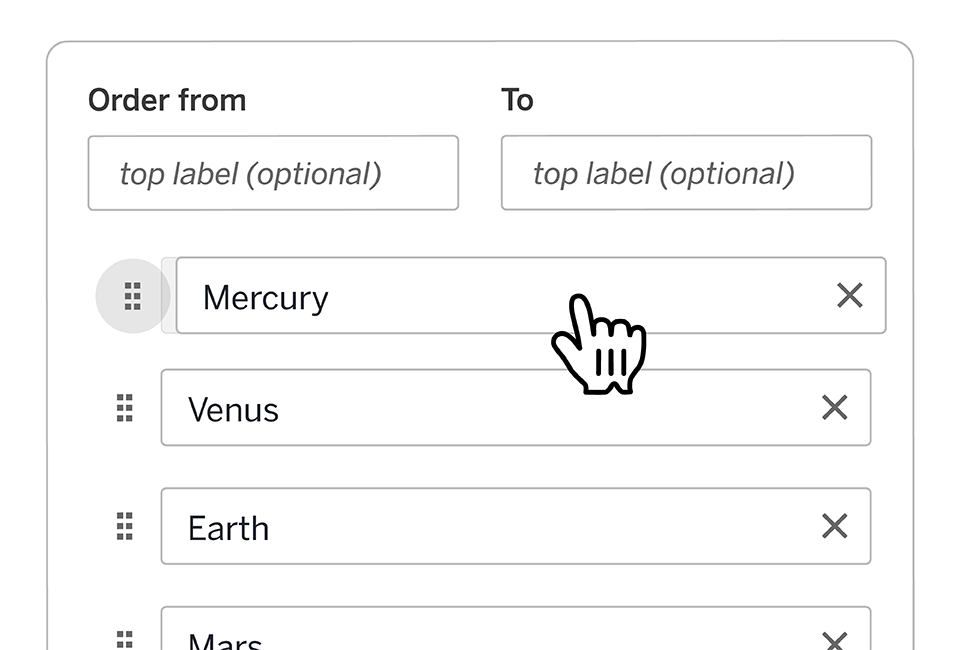
Add an ordered list and a Polygraph (it's like a Guess Who? game for your students)

AC_LessonBuildingToolkit_LP_122225_Beginner_RC-4
Step 4

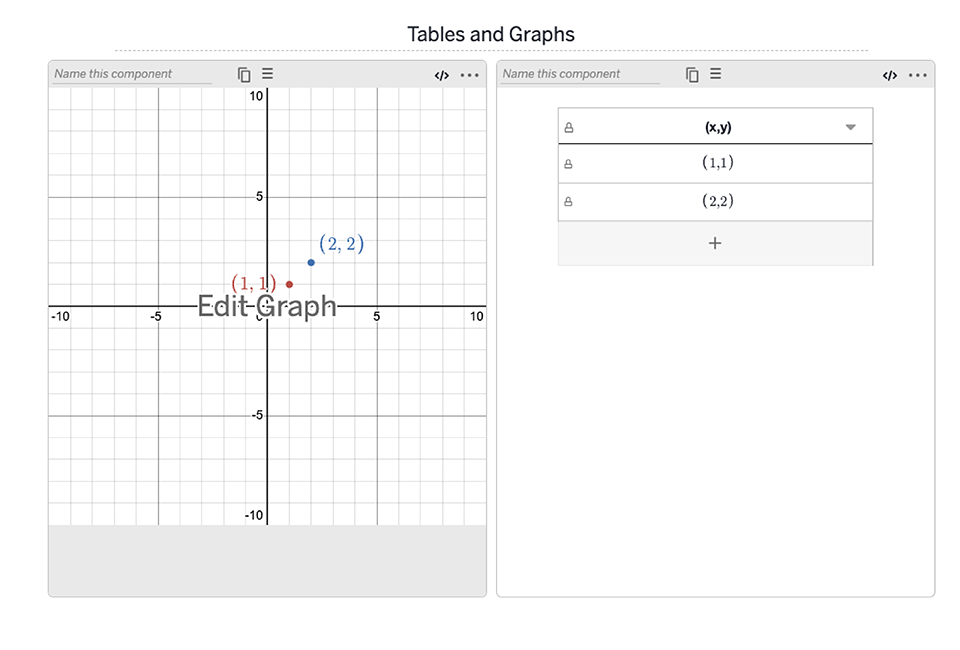
Add a table and graph (for math activities).

AC_LessonBuildingToolkit_LP_122225_Beginner_RC-5
Step 5

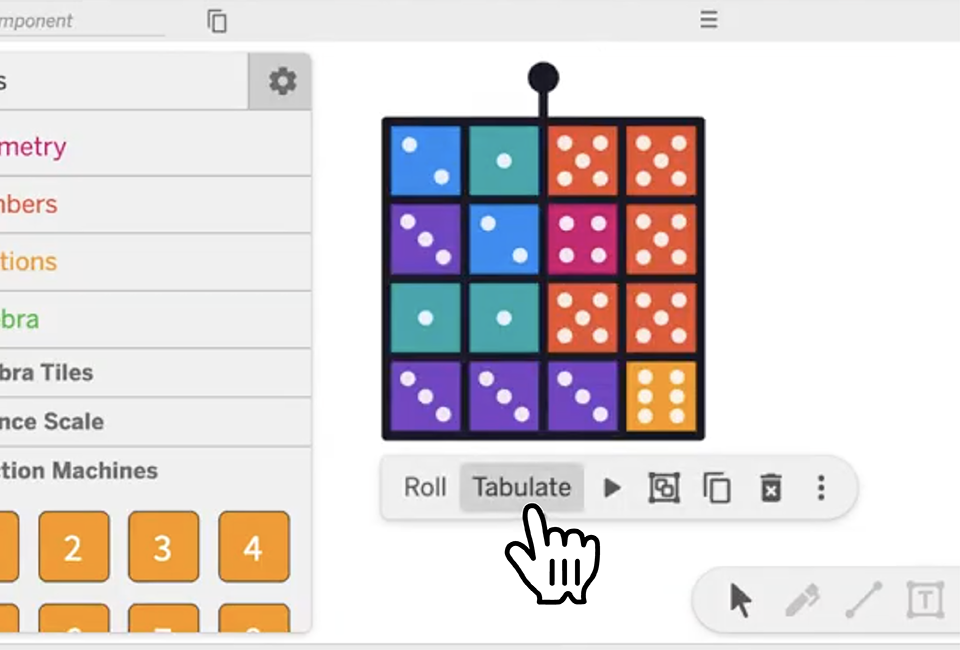
Add Polypad virtual manipulatives.

AC_LessonBuildingToolkit_LP_122225_Beginner_RC-6
Step 6

Build a card sort using vocabulary, images, equations, and more.

Looking for more? Try the intermediate track to unlock more lesson-building features or earn your PD certificate.

Intermediate track

Learn how to create activities that are truly interactive and responsive. These activities will give personalized feedback to students and adapt to their answers. No coding experience required.

Video length: 8–15 minutes each

💡  Tip: Don't forget to pause the video before moving on! Videos will continue playing when you navigate between pages unless you pause them first.
AC_LessonBuildingToolkit_LP_122225_Intermediate_RC-1
Step 1

Connect components in your activity using inputs and values.

AC_LessonBuildingToolkit_LP_122225_Intermediate_RC-2
Step 2

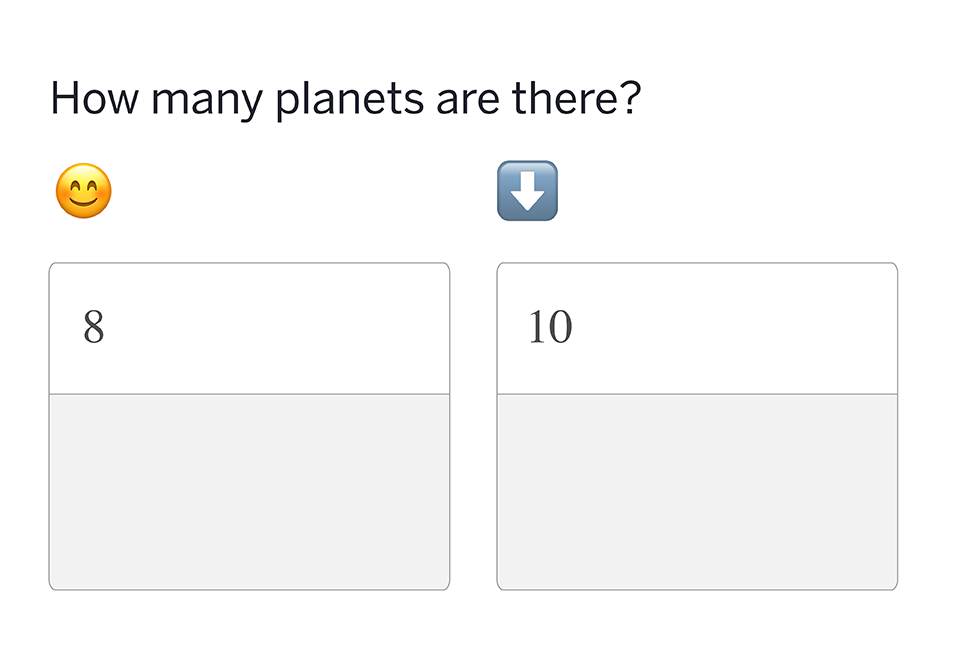
Create personalized feedback and automatic checking that respond to student answers.

AC_LessonBuildingToolkit_LP_122225_Intermediate_RC-3
Step 3

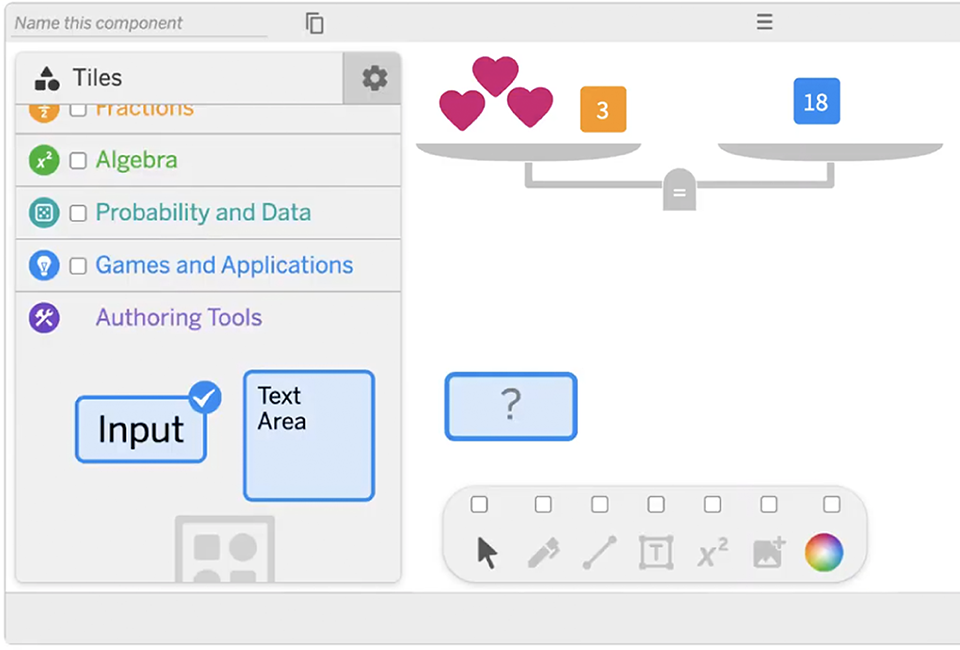
Access authoring mode in Polypad to build more personalized lessons.

AC_LessonBuildingToolkit_LP_122225_Intermediate_RC-4
Step 4

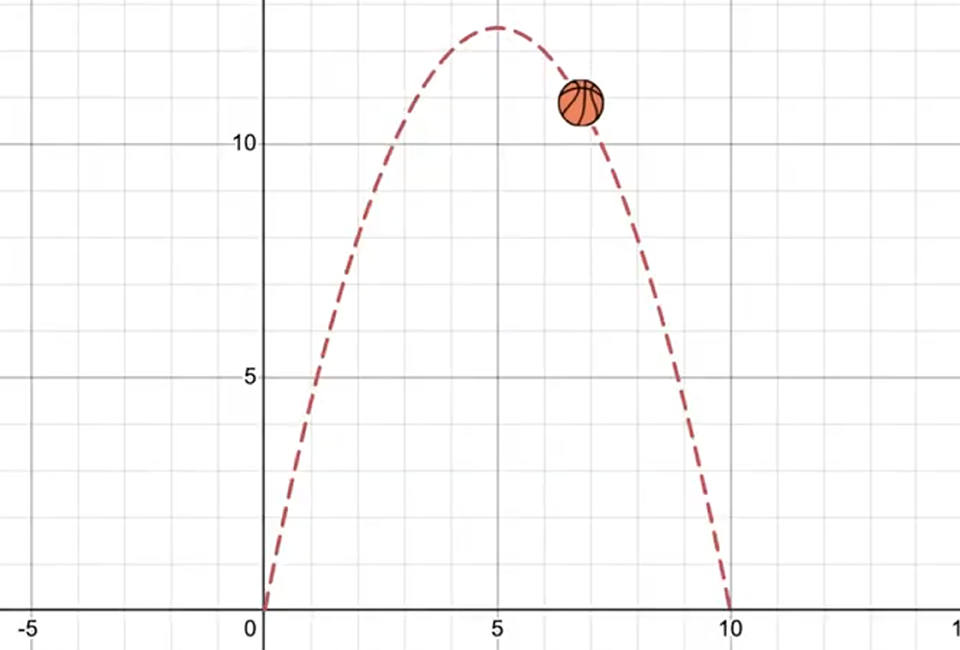
Create a fun, interactive animation in a graph.

AC_LessonBuildingToolkit_LP_122225_Intermediate_RC-5
Step 5

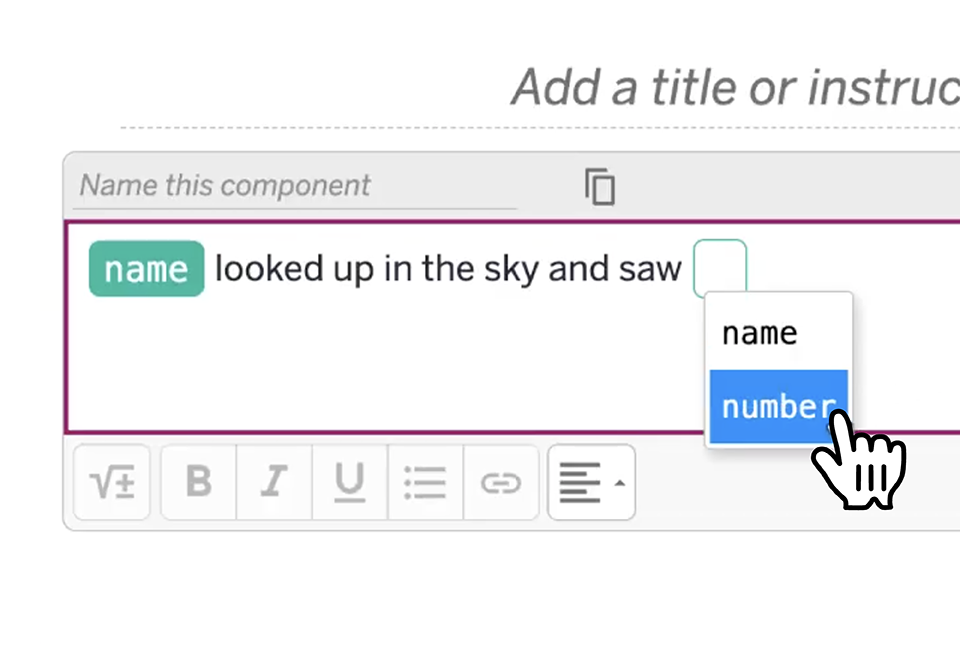
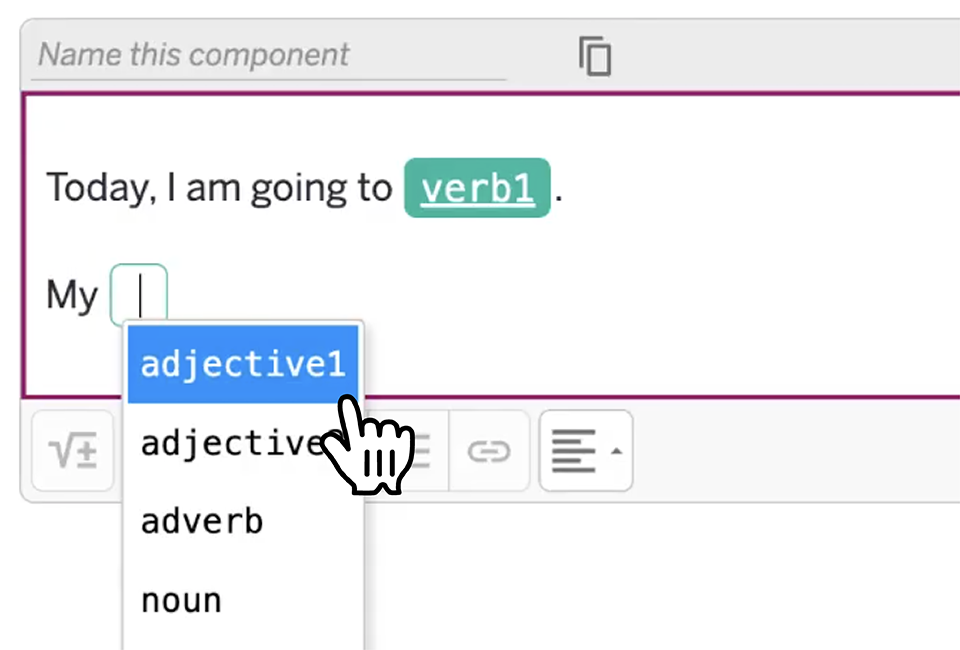
Add a Mad Lib (for literacy lessons).

AC_LessonBuildingToolkit_LP_122225_Intermediate_RC-6
Step 6

Connect a graph to a table (for math lessons).

Bonus: Advance your lesson-building skills even further with our Computation Layer add-ons (under the “Next Steps” section) or submit your activity for PD hours.

Advanced 🍣

Step 8

Connect components

Step 9

Validate student responses with computation layer

Step 10

Build something simple in a graph

Submit your activity by February 28 to earn PD hours!

Please note: Certificates will be issued based on an estimated completion time of two hours for the beginner track, four hours for intermediate, and six hours for both.

Share Share this via email
Back to top